
Use the API
Now with your Console running, we can make fetch requests for everything.
Returns a JSON Web Token (JWT) you can use to authenticate API calls to 2bttns.
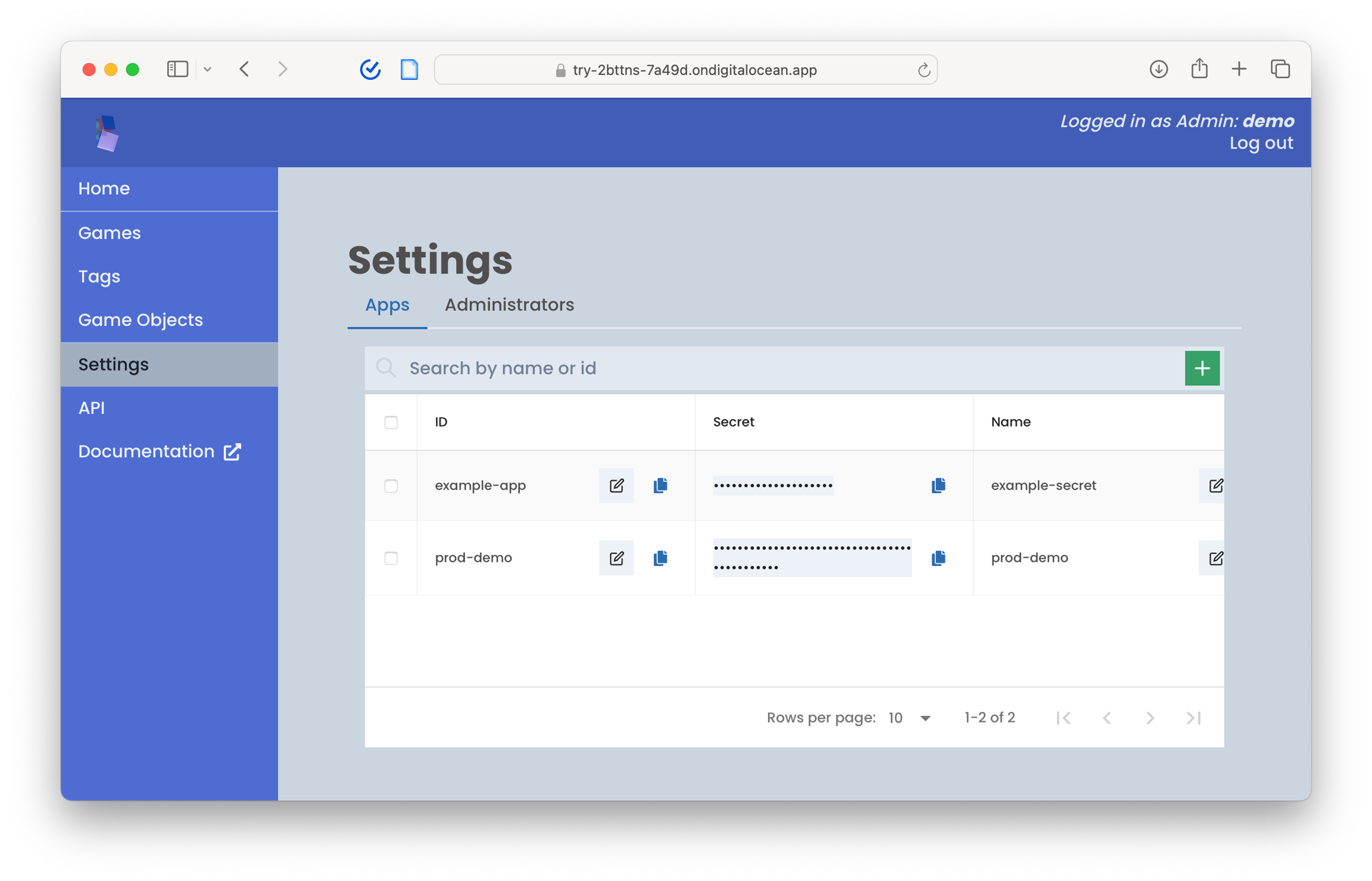
You can get the app_id and secret from your 2bttns admin console, under Settings/Apps.
Authorizations
AuthorizationstringRequired
Bearer authentication header of the form Bearer <token>.
Query parameters
app_idstringRequired
secretstringRequired
expires_instringOptional
Responses
200
Successful response
application/json
stringOptional
default
Error response
application/json
get
/authentication/tokenReturns a URL you can use to send a user to play a game in 2bttns.
Authorizations
AuthorizationstringRequired
Bearer authentication header of the form Bearer <token>.
Query parameters
app_idstringRequired
ID of the app you've created in 2bttns
secretstringRequired
Secret of the app you've created in 2bttns
game_idstringRequired
ID of the game you want to play in 2bttns
player_idstringRequired
ID of the player you want to play in 2bttns. If the player doesn't already exist, it will be created.
num_itemsstringOptional
callback_urlstringOptional
expires_instringOptional
Responses
200
Successful response
application/json
stringOptional
default
Error response
application/json
get
/authentication/generatePlayURLNext Steps
Last updated